closeModal()
This page provides information about the closeModal() function signature and parameters, which allows you to close an existing Modal widget that is currently open on the page.
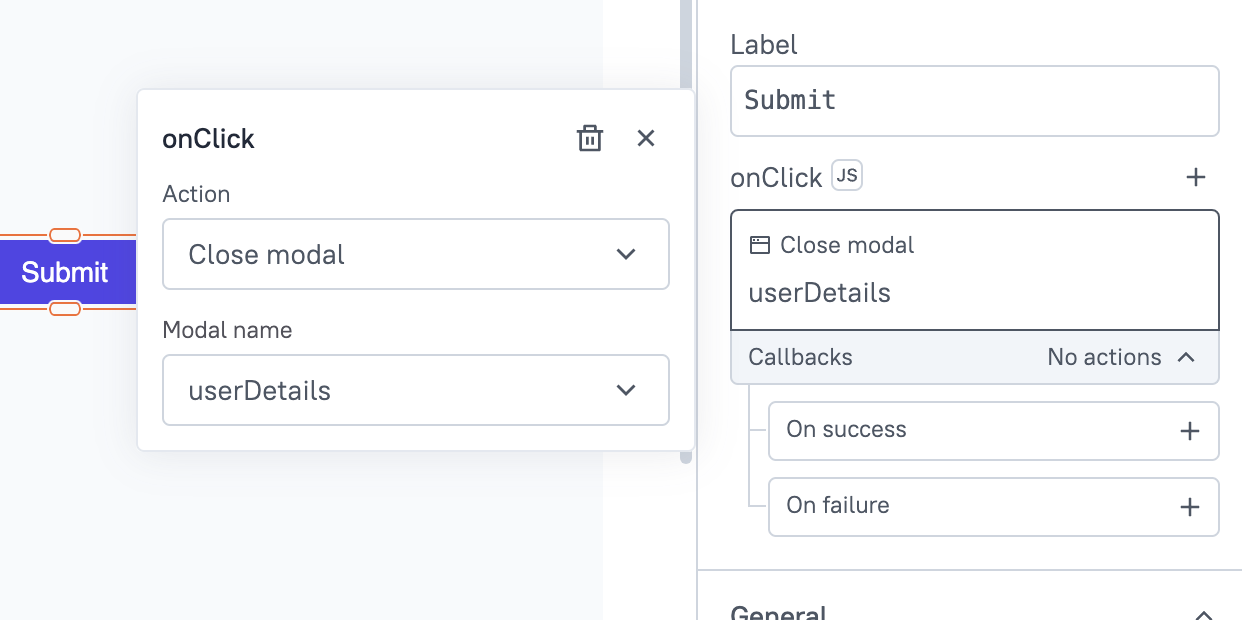
Signature
closeModal(modalName: string): Promise
Parameters
Below are the parameters required by the closeModal() function to execute:
modalName
The name of the Modal widget you want to close.
Example:
{{ closeModal(UserDetailsModal.name) }}
Usage
Here are a few examples to close Modals in different situations:
Successful query execution
If you want to close the modal after a user submits a form, you can do so using the closeModal() function, like:
{{updateUsers.run().then(() => {
  closeModal(UserDetailsModal.name);
}).catch(() => {});}}